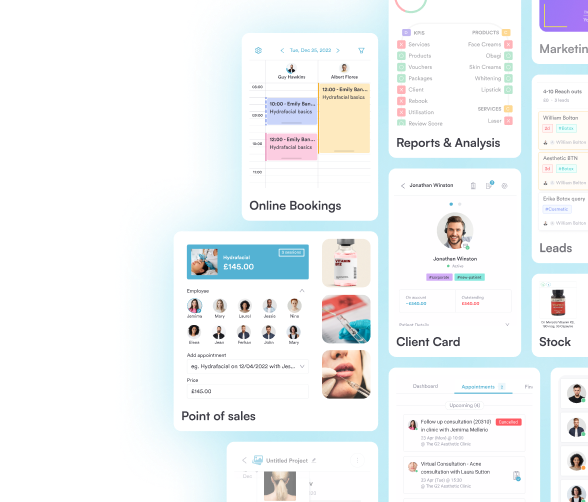








Purpose-built practice management for modern healthcare
Pabau brings clinical workflows, patient experience, and business operations into one intelligent platform. Built for modern practices that want less admin, better care delivery, and room to scale.
Trusted by 3,500+ clinics worldwide





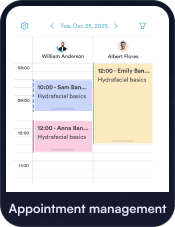


Join 3,500+ medical-led practices already using Pabau daily





- SPECIALTIES
Built for Every Type of Healthcare Practice
Industry-specific solutions tailored to your needs
Wellness and Preventive Care
EHR integration, insurance billing, telehealth
Medical Aesthetics
Advanced charting, injection plotting, inventory tracking
Musculoskeletal and Performance
Treatment plans, exercise programs, progress tracking
Women’s and Men’s Health
Class scheduling, membership management, retail POS
Mental Health and Lifestyle
Treatment protocols, before/after photos, consent forms
Wellness and Preventive Care
Technology built for proactive,
medical-led care
Preventive and wellness clinics need flexibility, clinical depth, and seamless patient journeys. Pabau supports personalized treatment models, recurring programs, and long-term care plans — without adding operational complexity.

Private Practice / Private GP
Wellness
Longevity
Functional Medicine
IV Therapy
Weight Loss
Metabolic Health
Medical Aesthetics
Purpose-built for aesthetic and
cosmetic practices
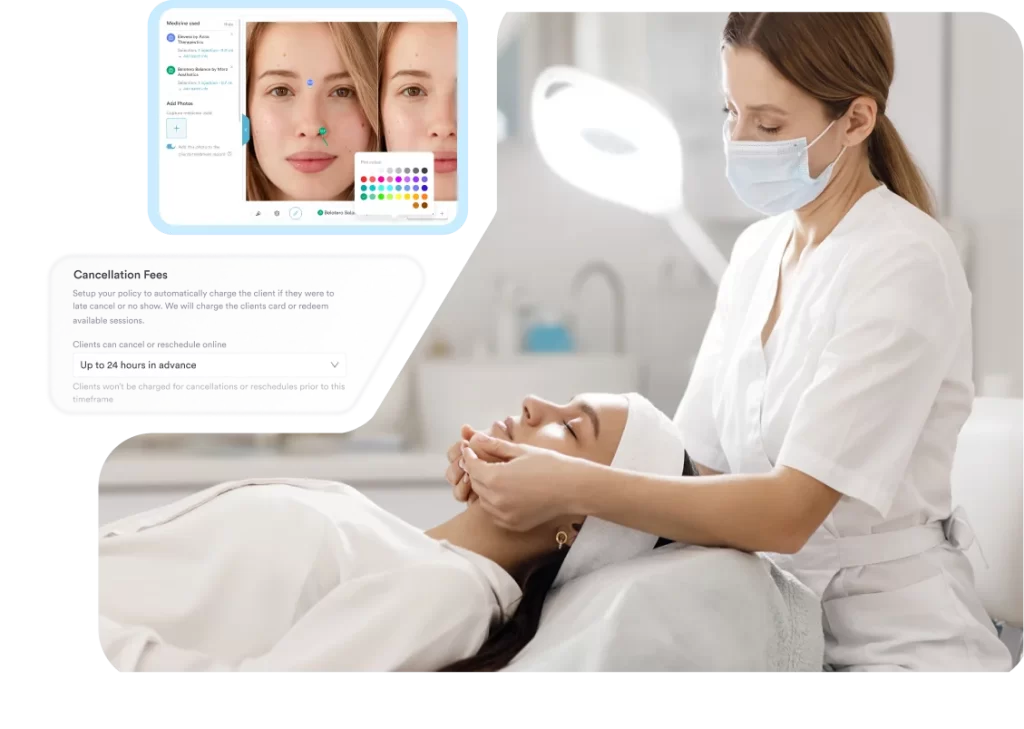
Pabau helps aesthetic clinics manage consultations, treatments, consent, photography, and follow-ups — all while delivering a polished patient experience and maintaining clinical governance.
Medspa
Aesthetic Clinic
Dermatology
Cosmetic Surgery
Skin Clinic
Laser Clinic
Hair Transplant Clinic
Spa
Women’s and Men’s Health
Specialist care supported by structured clinical workflows
From hormone management to fertility and sexual health, Pabau supports sensitive data, recurring care, and specialist documentation — helping clinics deliver continuity of care with confidence.

Fertility
IVF & Gynecology
Men’s Health
Hormone Replacement Therapy (HRT)
Sexual Health
Pelvic Health
Musculoskeletal and Performance
Supporting recovery, movement, and performance outcomes
Pabau enables MSK and performance clinics to manage complex treatment plans, track progress, and coordinate care — from first assessment through recovery.

Physical Therapy
Sports Medicine
Chiropractic
Osteopathy
Regenerative Medicine
Mental Health and Lifestyle
Connected care for mental and behavioral health
Pabau supports clinicians with secure records, structured documentation, and flexible care delivery — whether in person, virtual, or hybrid.

Mental Health
Psychology
Therapy & Counseling
ADHD Assessment
Psychiatry
Coaching
Speech Therapy
Occupational Therapy
Designed to fit the way your clinic works
Every practice is different, but the challenges are the same.
Disconnected systems, growing admin, complex workflows, and rising patient expectations.
Pabau brings everything together in one platform, so your team can manage care, communication, and operations without switching tools or rebuilding processes.
One system. One source of truth. Complete control.
Frequently asked questions
Pabau works for clinics and practices of all sizes and specialties, including private GP clinics, mental health and behavioural health practices, physiotherapy and chiropractic centres, dental and optical clinics, med spas and aesthetic practices, wellness and holistic therapy centres, and multi-location healthcare teams.
Pabau supports HIPAA and GDPR compliance with secure data storage, role-based access, audit trails, and encryption to protect patient records and practice data.
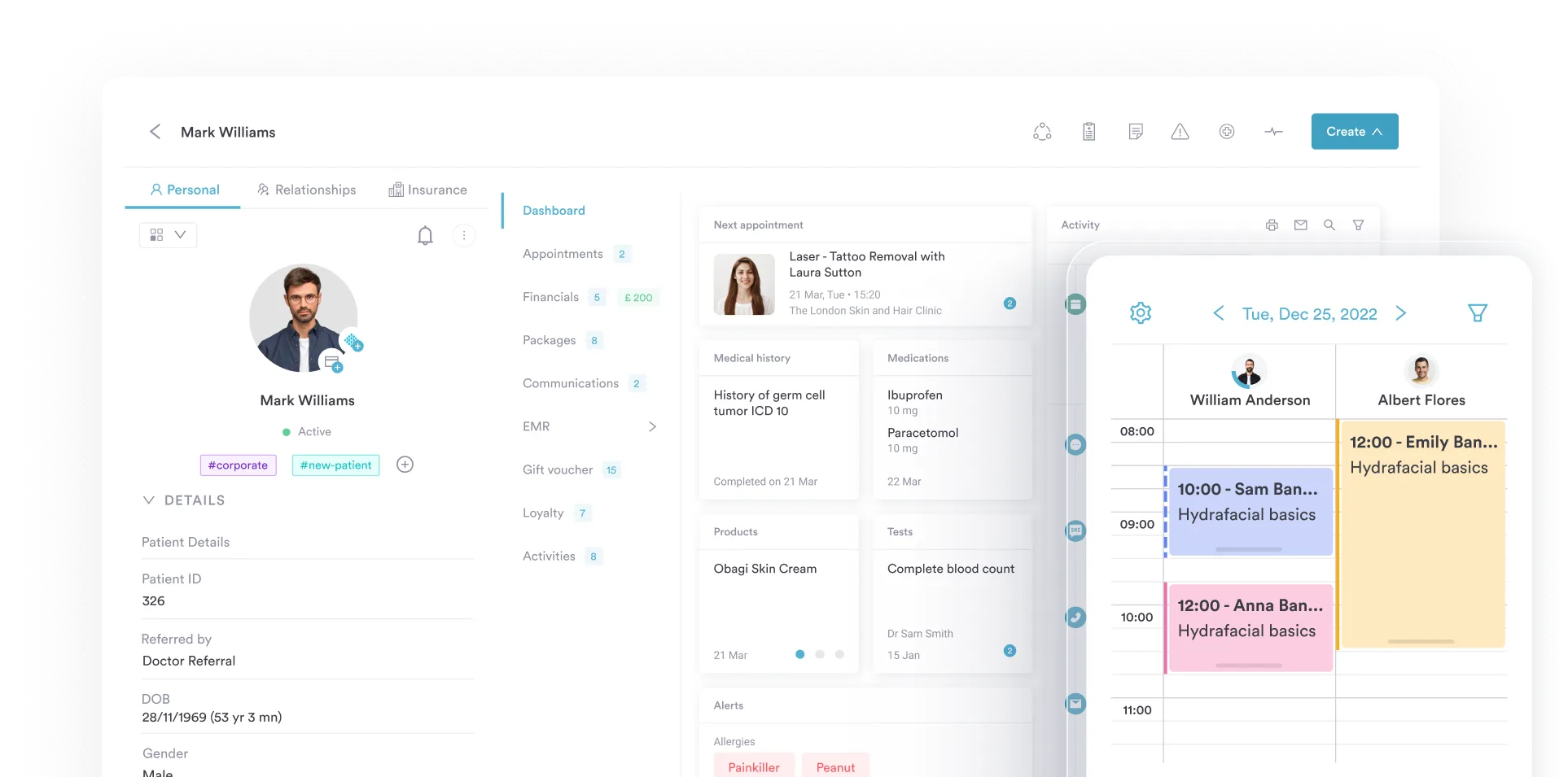
The client card in Pabau stores clinical histories, documentation, photos, intake forms, lab results, consent forms, and billing all in one place — accessible from any device, anytime.
Yes. Multi-location support lets you view staff schedules, appointments, and performance across all branches from one platform.
Yes. Through the client portal, patients can view their appointment history, treatment notes, messages from your clinic, and care instructions anytime, which boosts engagement and satisfaction.
Yes. Pabau includes integrated billing and invoicing tools that simplify payment processing, help track revenue, manage deposits and refunds, and reduce errors in your financial workflows.

One platform for your entire practice
See how Pabau gives you all the tools you need to reduce admin, improve the patient experience, and support sustainable growth.