







Discover free eBooks, guides and med spa templates on our new resources page
Explore our popular products
Centralised bookings and availability
Self-service booking, anytime
Consult notes drafted automatically
Secure access to bookings & payments
Custom clinical forms & notes
Secure in-clinic and online payments
Secure video consultations built in
Buy now, pay later is now available in Pabau
Elevate your care to the next level
Centralized client data & history
Automated SMS and email reminders
Flexible memberships & care plans
Reach goals with data-driven decisions
Secure treatment photo comparisons
Clear post-treatment care guidance
Fast clinical notes via dictation
Order and review labs in one place
Create & manage prescriptions easily
Premium patient care tools for smarter workflows and personalised experiences.
Schedule & collect payments with ease
Manage classes and attendance
Take payments at reception
Manage claims and reimbursements
Send quotes for approval
No-show, cancel, payment rules
Run your clinic on the go
Auto-fill cancelled slots
Manage your clinic with confidence
Group staff by roles
Track staff commissions easily
Track hours and attendance
Stay secure, efficient and compliant.
Clinic-wide performance reports
Real-time clinic metrics
Stock levels and suppliers
Pabau Insights Plus gives clinics real-time visibility into bookings, revenue, and practitioner performance, helping them make smarter decisions and grow efficiently.
Push your growth to the next level
Turn visitors into leads
Track and convert enquiries
Targeted email and SMS sends
Automated clinic processes
Reward repeat visits automatically
Sell vouchers upfront
Run diary-filling promotions
Collect reviews and feedback
Pabau Marketing Plus helps clinics attract, engage, and retain patients with built-in tools for workflows, campaigns, automations, and follow-ups, all connected directly to their booking and patient data.
Medical-led wellness and preventive care
Surgical and non-surgical aesthetic care
Specialist care for reproductive, hormonal, and sexual health
Non-surgical and regenerative care for movement and recovery
Clinical mental health and behavioral care
Read case studies from our satisfied clients
Compare Pabau with alternative systems
Learn why this holistic care and aesthetic medicine clinic chose Pabau to power patient care and performance.
ALL-IN-ONE PRACTICE MANAGEMENT SOFTWARE FOR MEDICAL SPAS
Stay on top of your inventory with Pabau’s stock management feature
Well, you don’t have to. Pabau streamlines your entire stock management process, so you’re always in the know.
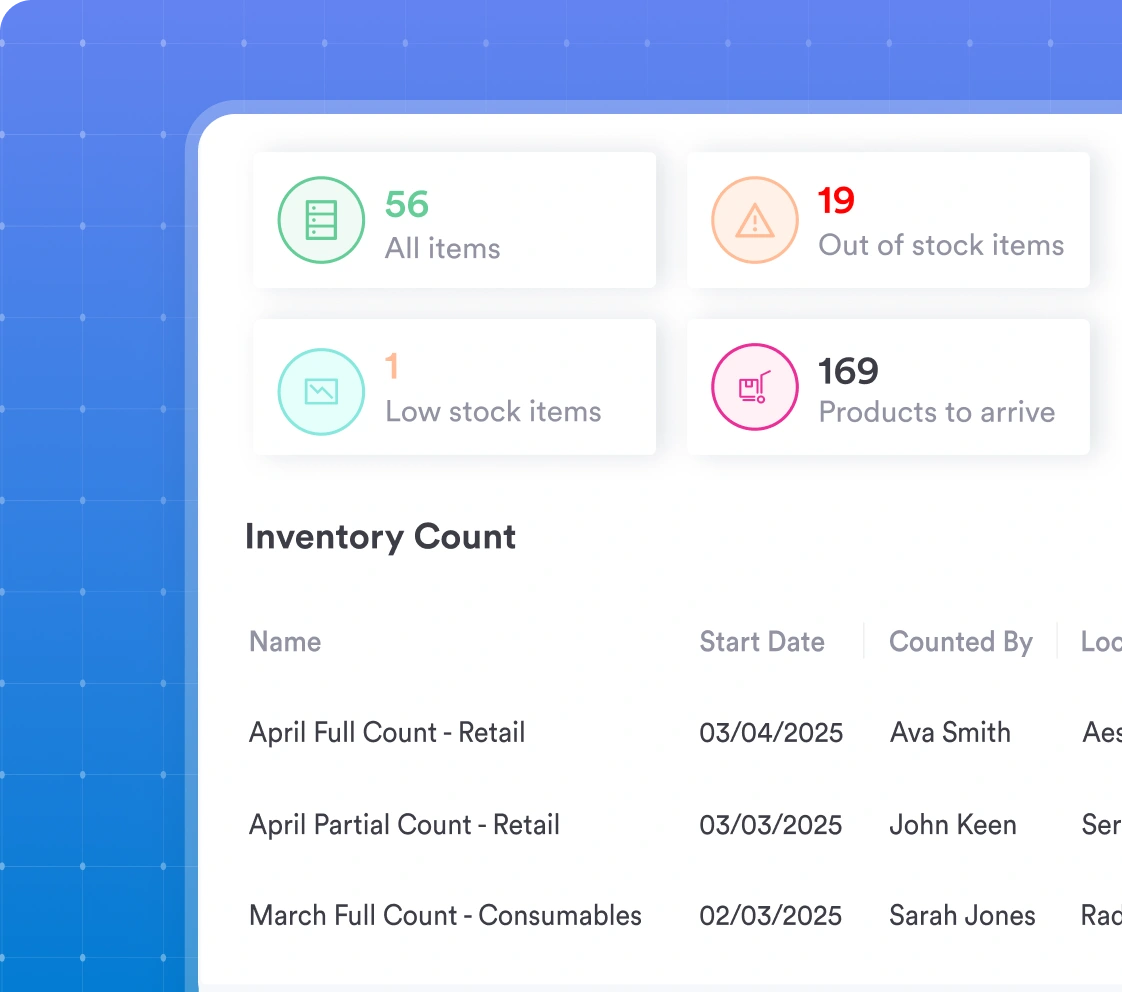
Track stock levels in real-time to prevent shortages
Automate stock usage and reduce manual errors
Streamline ordering and restocking with ease
Gain full visibility across multiple locations
With Pabau, you always have up-to-date stock levels at your fingertips, so you never run out of essentials to sell or use.
Your inventory will stay updated automatically as you use or sell products, so you know what’s in stock and what’s running low at every given moment without manual tracking.
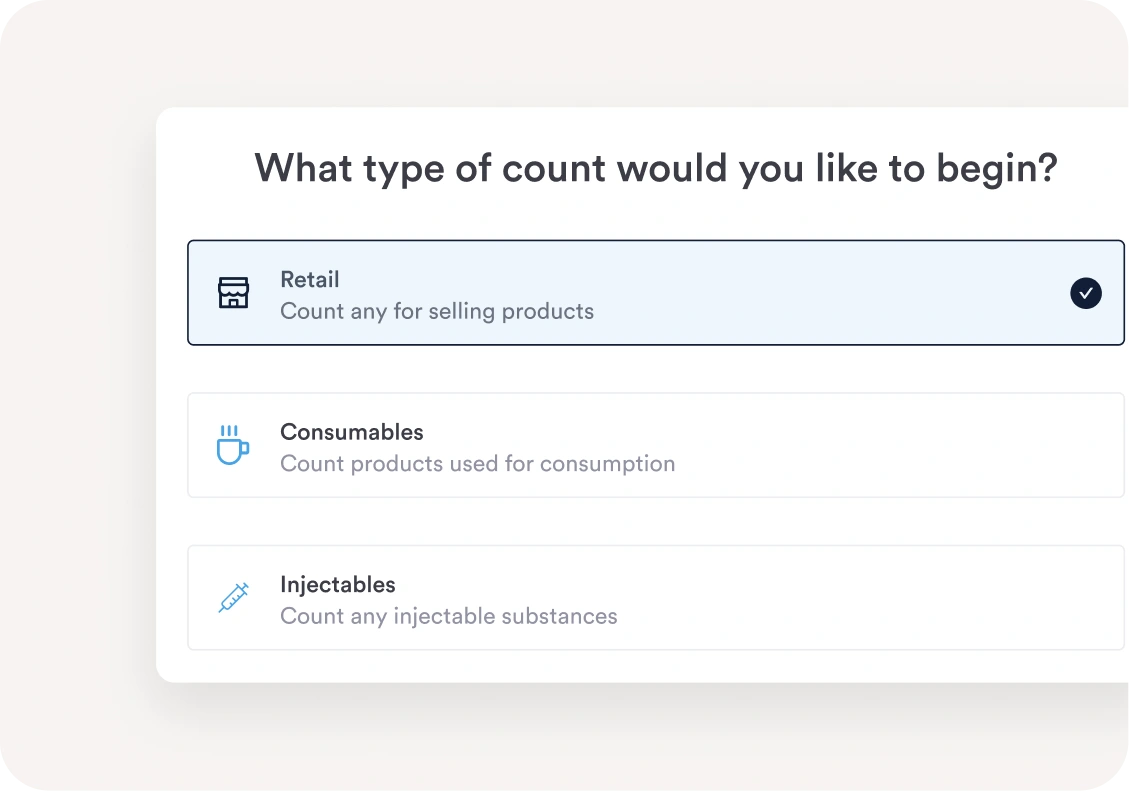
Segment your products into three easy-to-manage categories — retail, consumables, and injectables — so you can track each type with precision.
With Pabau, stock management becomes a breeze.
Link products to your services, and watch as products and consumables are automatically deducted whenever you administer a treatment.
Plus, stock levels are updated automatically with every stock order, so you’re always on top of inventory without lifting a finger.
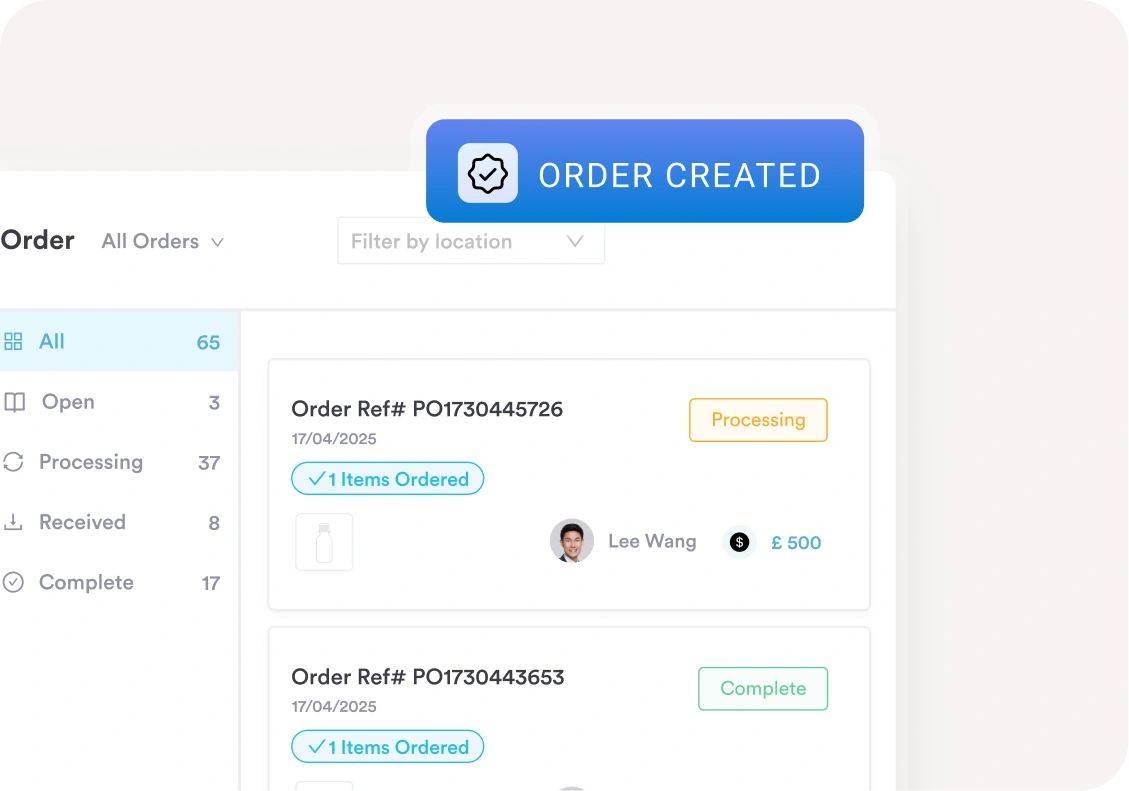
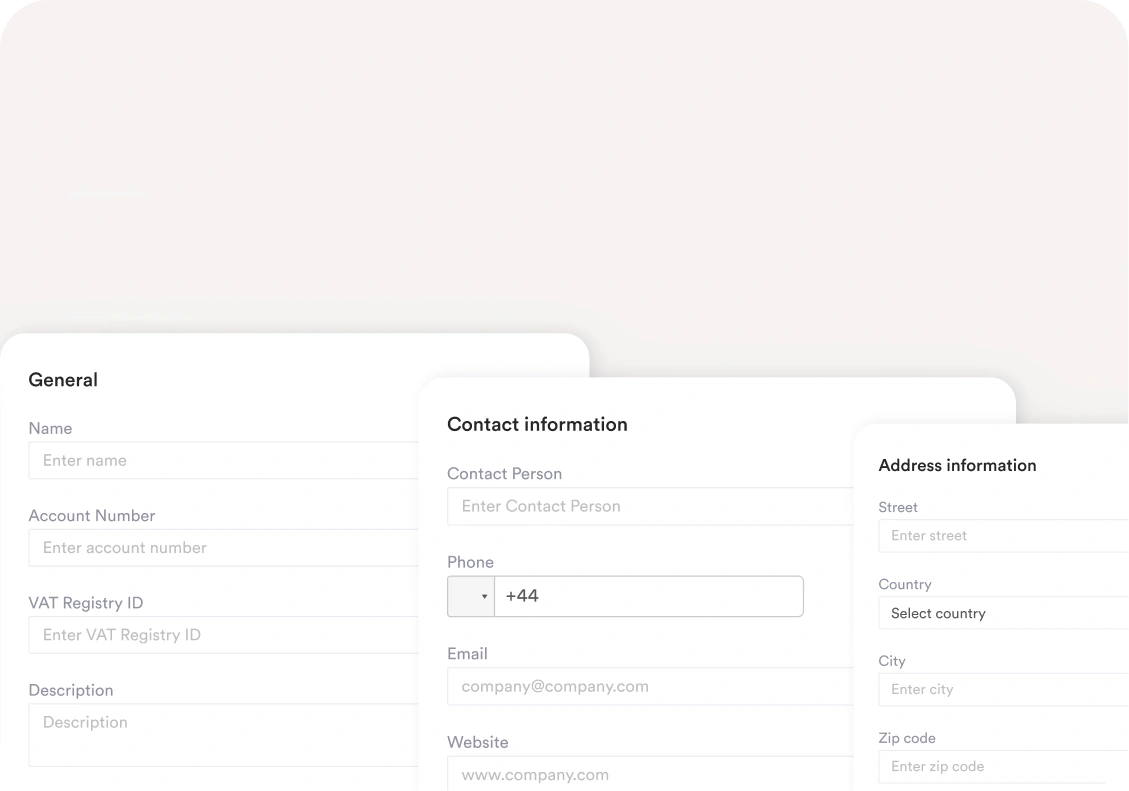
Manage suppliers, track purchase orders, and replenish stock without the hassle.
Set minimum stock levels for your products, and Pabau will alert you when levels are running low for a timely re-order.
Easily assign suppliers to specific products and send orders directly from the system.
Then, sit back and relax while your stock takes care of itself.
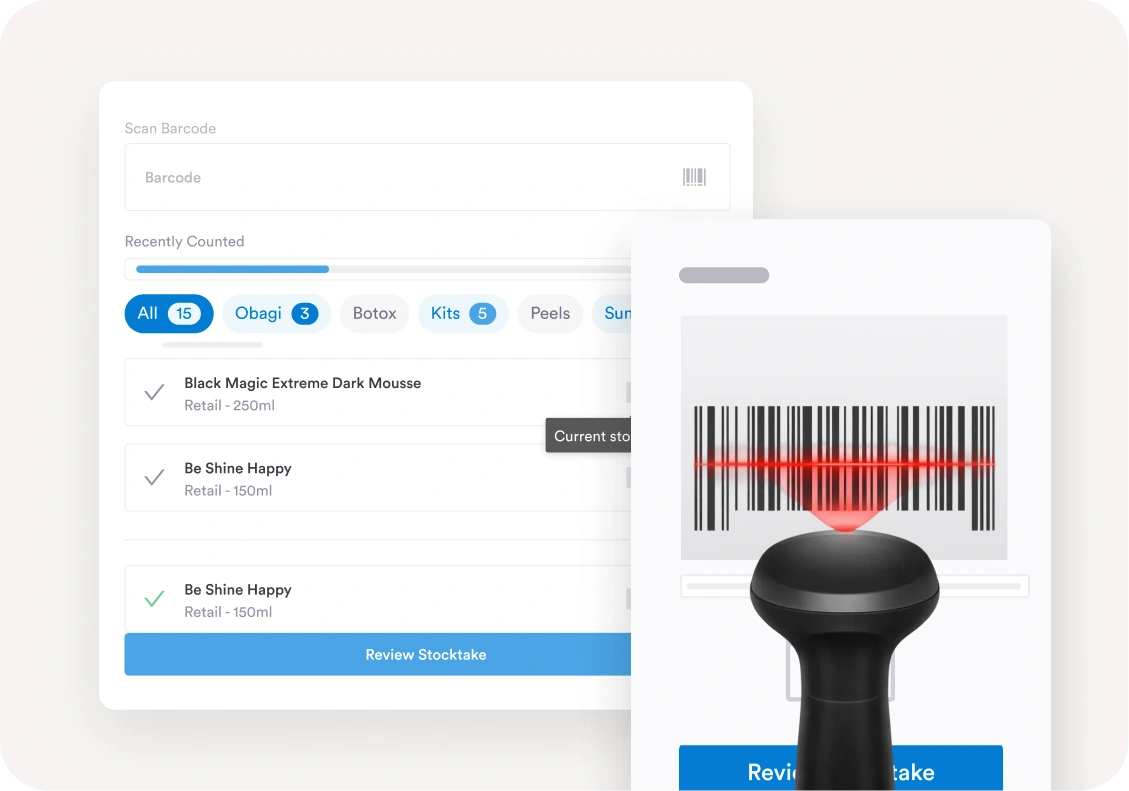
Conduct inventory checks and stocktakes quickly and accurately with a product scanner that integrates directly with Pabau.
Scan items in bulk to update stock levels instantly, so you can spend less time counting items and more time running your business.
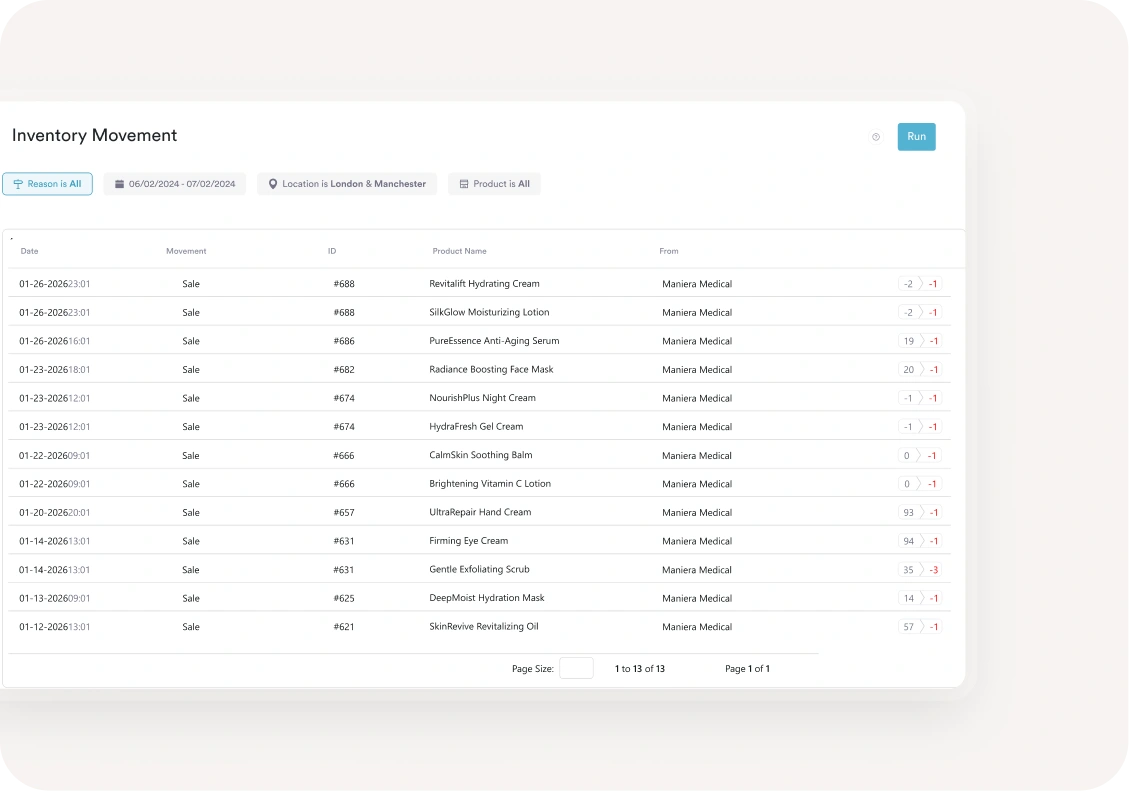
Stay in control with Pabau’s easy-to-use inventory reports.
Track every stock move — from purchase to stock take to sales — so you always know what’s performing well and what’s not.
Use our built-in reports to easily spot discrepancies or create your own to track the metrics that matter most to you.
Managing stock across multiple locations doesn’t have to be a headache. With Pabau, you can track and manage inventory seamlessly — no matter how many locations you have.
Easily monitor the number of products in stock for each site, get clear visibility into stock usage per location, and ensure every treatment room stays fully stocked.
Read our latest case studies to discover how our customers are using Pabau to save time, reduce admin tasks, and get back to doing what they do best – treating patients.
Head to our Knowledge Base to find hundreds of helpful how-to articles that will walk you through how to do pretty much anything you want to do in the system.
Want to see how Pabau stacks up next to the competition? Head to our compare pages to take a closer look at our features next to other practice management software.
Yes! With Pabau, you can set minimum and maximum stock levels for each product, ensuring you never run out of essentials.
If you enable low-stock alerts, Pabau will automatically notify you when stock levels drop below your set threshold so that you can reorder on time.
You can also choose whether to allow negative stock quantities, which can be useful if a client pre-orders an item that’s temporarily out of stock but still needs to be processed as a sale.
Absolutely — Pabau lets you create and send purchase orders directly from the system. You can create the order from scratch or let Pabau suggest what products to order based on your current stock level.
You can add suppliers, including their contact details, and link products to the right supplier for seamless ordering. When it’s time to restock, simply select the products, choose the quantity, and send the order straight from Pabau—no extra steps needed!
Yes, you can see the history of individual products in Pabau, including the number of products added to or removed from stock and the dates of these changes. Check out how to see stock history in our knowledge base article.
When the time comes for you to reorder, you can do it easily through Pabau.
The system allows you to add your suppliers and make orders with just several clicks. When you receive an order, you record it, and it’s synced with your inventory.
Yes, Pabau has the option to do stocktakes by scanning your products.
The product scanner can be connected to the system via a USB connection to your computer. So, when you scan your products when you take inventory, they’ll be automatically updated.
For more information on how to scan products in Pabau, visit our article on that topic.
Yes, a product linked to a service will be automatically deducted from your inventory and will reflect in the count. For injectables, you can also add the amount you use per service, so it also reflects how much amount you’ve used.
Yes, you can track expiry dates for products in stock in Pabau. This ensures you use products in the right order, maintain compliance, and avoid accidental use of expired stock.
Clients can still book the service online even if a linked product is out of stock.
Pabau does not prevent bookings based on inventory levels, ensuring a seamless experience for your clients.
You’ll also receive stock alerts, allowing you to restock in time and avoid any disruptions to your services.