







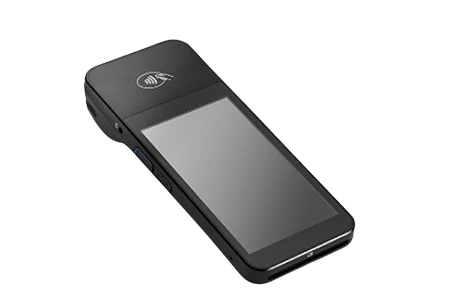
Pabau Pay Card Terminals
Market leading rates, integrated payments.
Meet PabauPay.
Taking payments has never been easier with our Pabau Pay POS card terminals that integrate with your Pabau account.
A choice of payment methods
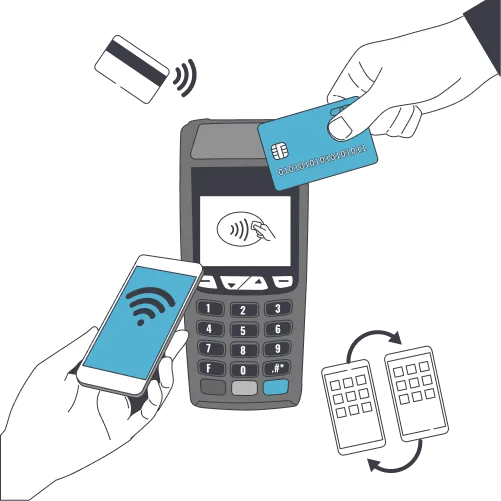
Allow your clients to choose their preferred payment method. Whether that’s a tap or a pin – we’ve got you covered. Our card terminals accept all major debit and credit cards, including Visa, Mastercard, American Express, or even through Google Pay and Apple Pay.
Take larger payments via chip-and-pin cards
Take smaller payments by tapping a contactless enabled card
Take contactless payments via Apple Pay
Take contactless payments through Google Pay
Industry-leading fees
Keep more of your money in your own pocket, with market-leading low fees achieved with our bulk-negotiation discounts. Starting from 3.1% + $0.25 per transaction, you can be sure that you aren’t overpaying for your merchant services.
Potential rate matching available for monthly turnovers over $15,000*.
Proof of turnover required.
Starting from
3.1% + $0.25
per transaction
Get access to your takings with rapid payouts
Complete, all in one payment system
No need to manually reconcile payments
Automatically store the client's card
Learn more about our transaction fees
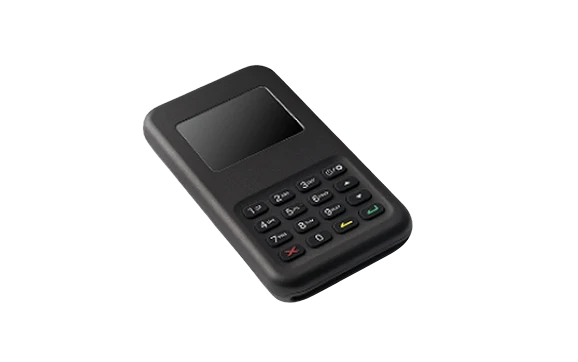
Pabau Pay card terminals
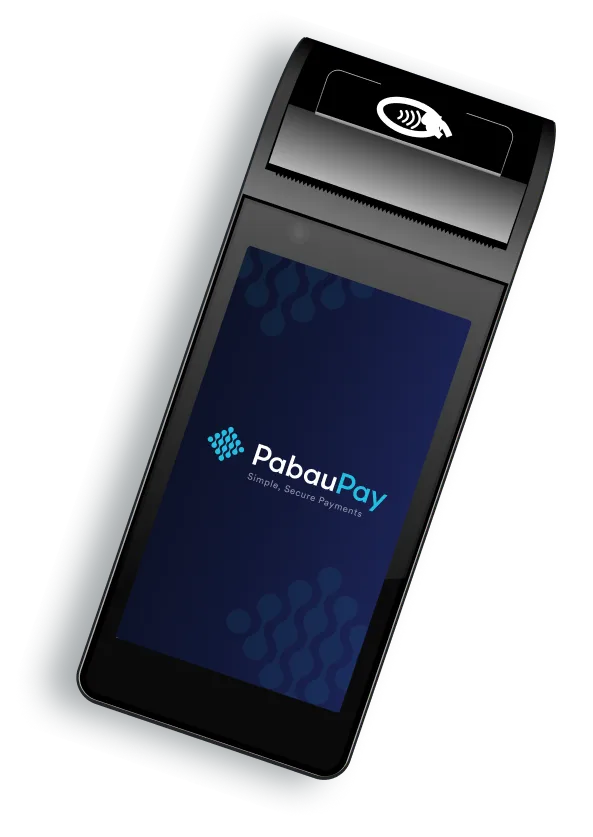
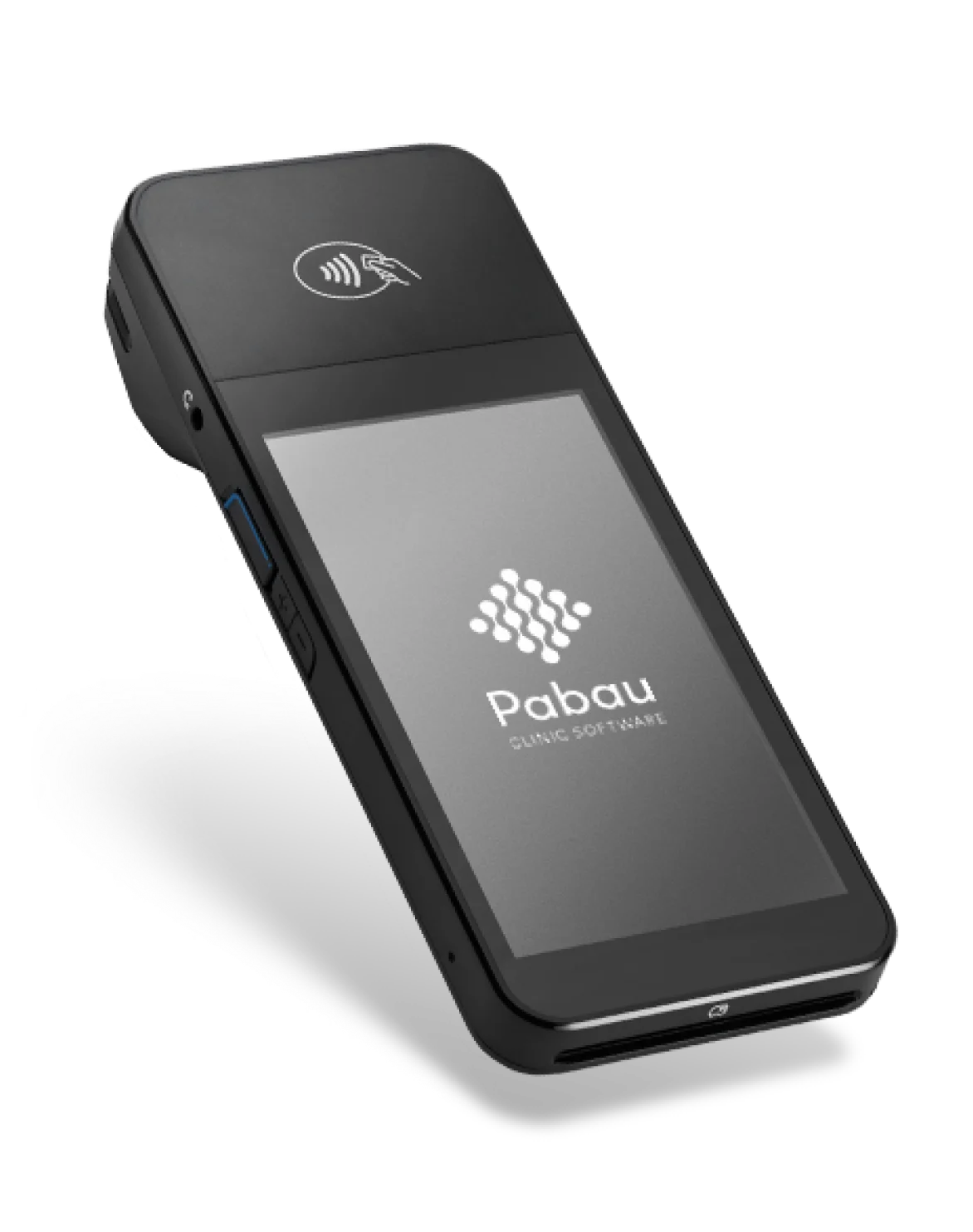
Our state-of-the-art card terminals are portable, with long battery life, and plug-powered options. Ideal for businesses that want to provide a sleek and modern approach to the client payment experience.
- Accepts all major debit and credit cards
- Allows for tips
- Seamlessly integrates with Pabau
- Connects wirelessly through Wi-Fi
Choose your card terminal
- Wi-Fi card terminal
Price:
Connects to
- The web version of Pabau or the Pabau GO iOS app.
You’ll need
- Desktop computer, laptop, iPad or iPhone, and decent Wi-Fi!
Best for
- Solo practitioners and practices with 2+ users who work from one location.
Key benefits
Accepts digital wallet payments (like Apple Pay and Google Pay, and contactless payments. Clients can also use Tap to Pay!
It allows multiple users to use the card terminal and take payments. Ensure the card terminal is connected to the same wi-fi network as the web version of Pabau or app.
It’s still relatively portable – you just need to charge it regularly.
Anything to be aware of
It’s a good option for solo practitioners looking to hire more staff soon and for practices with 2+ users.
As mentioned, the web version of Pabau / the iOS app must be connected to the same wi-fi network as the card terminal.
Set-up process
If you’re unsure how to get started, we offer a full set-up service for both card terminals.
Simply schedule a call with our team:
- Bluetooth card terminal
Price:
Connects to
- Pabau GO iOS app
You’ll need
- An iPhone or iPad that has the Pabau iOS app installed
Best for
- Solo practitioners and start-up clinics and practitioners who:
- Work from multiple locations
- Visit clients at home
- Attend events
Key benefits
- Accepts digital wallet payments (like Apple Pay and Google Pay, and contactless payments. Clients can also use Tap to Pay!
- It’s super portable, as you simply need an iPhone or iPad to work on the go.
- Quick to connect, which is ideal if you’re doing home visits or a mobile clinic.
- More affordable option for solo practitioners who want to take payments on the go using their iPhone.
Anything to be aware of
- The Bluetooth connects to an individual user’s app, rather than multiple people being able to use it via wi-fi.
- As mentioned, the iOS app must be connected to the same wi-fi network as the card terminal.
Set-up process
If you’re unsure how to get started, we offer a full set-up service for both card terminals.
Simply schedule a call with our team:
Benefits of using Pabau Pay
By using Pabau Pay, you get a fully integrated system that works hand in hand with Pabau’s practice management software. No more syncing data from one system to another – your business can operate much more efficiently.
Fewer systems = fewer errors. Mistakes are most likely when syncing transactions between your payment terminal and clinic software. With Pabau Pay, there’s no need to reconcile payments manually and no double entry for refunds.
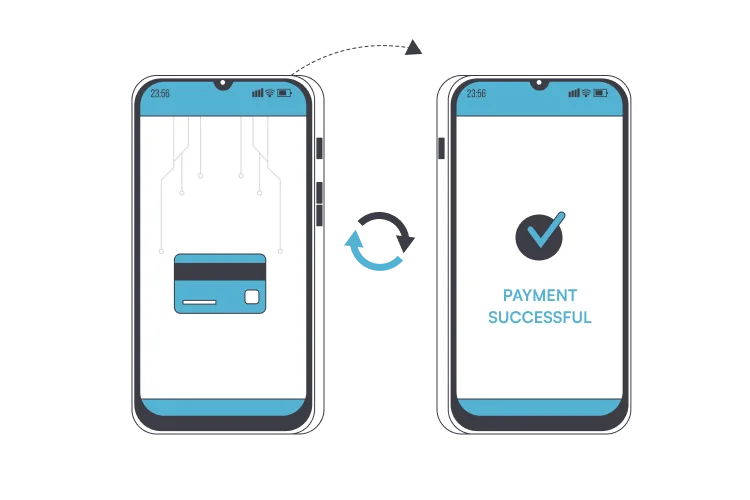
All your client accounts are synced with the Pabau Pay terminal in real time. Any payments are instantly reflected in their details in their patient record.
With more flexible ways to pay, you instantly improve the payment process. Your clients can simply tap and go with contactless payment options, plus it’s easy for them to leave a tip – which will also add to your revenue.
All payments made through our terminals are processed via Stripe, so clients can have complete confidence in the payment process. Simply activate our Stripe integration in Pabau and you’re ready to go.
Discover Your Potential Savings with PabauPay
Use the calculator below to discover how much time and money you can save, and the additional revenue you can generate by integrating PabauPay into your practice.
Your practice with your current POS:
Your revenue
The total revenue your clinic generates in a month.$
monthly
Current processing rate
The percentage fee your current payment processor charges for each transaction.%
Current transaction fee
The flat fee your current payment processor charges for each transaction.$
typically in cents, ex: $0.30
Average daily transactions
The average number of transactions your clinic processes daily.Terminal fee
The monthly hire fee for the payment terminal used at your clinic (if any).$
monthly
Number of employees
The total number of employees at your clinic.Your monthly savings with the Pabau Pay integrated POS:
Total hours saved per month:
This is the total number of hours your clinic could save each month by using Pabau Pay.Labour cost savings:
The estimated reduction in labour costs as a result of streamlined processes and time savings with Pabau Pay.Current monthly processing Fees:
Pabau Pay Monthly Processing Fees:
Total savings with Pabau Pay:
The overall monthly savings your clinic can achieve by switching to Pabau Pay. This includes both labour cost savings and reduced transaction fees.Transaction (including: saved in transaction fees)
Your savings are estimated by the difference between your current processing rates and fees and those offered by Pabau Pay.Potential for revenue generation:
The additional revenue your clinic could generate by reallocating the saved time to patient care or other income-producing activities.Your practice with your current POS:
Your revenue
The total revenue your clinic generates in a month.£
monthly
Current processing rate
The percentage fee your current payment processor charges for each transaction.%
Current transaction fee
The flat fee your current payment processor charges for each transaction.£
typically in pence, ex: £0.30
Average daily transactions
The average number of transactions your clinic processes daily.Terminal fee
The monthly hire fee for the payment terminal used at your clinic (if any).£
monthly
Number of employees
The total number of employees at your clinic.Your clinic with Pabau Pay integrated POS:
Total hours saved per month:
This is the total number of hours your clinic could save each month by using Pabau Pay.Labour cost savings:
The estimated reduction in labour costs as a result of streamlined processes and time savings with Pabau Pay.Current monthly processing Fees:
Pabau Pay Monthly Processing Fees:
Total savings with Pabau Pay:
The overall monthly savings your clinic can achieve by switching to Pabau Pay. This includes both labour cost savings and reduced transaction fees.Transaction (including: saved in transaction fees)
Your savings are estimated by the difference between your current processing rates and fees and those offered by Pabau Pay.Potential for revenue generation:
The additional revenue your clinic could generate by reallocating the saved time to patient care or other income-producing activities.Your practice with your current POS:
Your revenue
The total revenue your clinic generates in a month.€
monthly
Current processing rate
The percentage fee your current payment processor charges for each transaction.%
Current transaction fee
The flat fee your current payment processor charges for each transaction.€
typically in cents, ex: €0.30
Average daily transactions
The average number of transactions your clinic processes daily.Terminal fee
The monthly hire fee for the payment terminal used at your clinic (if any).€
monthly
Number of employees
The total number of employees at your clinic.Your clinic with Pabau Pay integrated POS:
Total hours saved per month:
This is the total number of hours your clinic could save each month by using Pabau Pay.Labour cost savings:
The estimated reduction in labour costs as a result of streamlined processes and time savings with Pabau Pay.Current monthly processing Fees:
Pabau Pay Monthly Processing Fees:
Total savings with Pabau Pay:
The overall monthly savings your clinic can achieve by switching to Pabau Pay. This includes both labour cost savings and reduced transaction fees.Transaction (including: saved in transaction fees)
Your savings are estimated by the difference between your current processing rates and fees and those offered by Pabau Pay.Potential for revenue generation:
The additional revenue your clinic could generate by reallocating the saved time to patient care or other income-producing activities.Get to know PabauPay
Transform your business with our innovative payment terminal!
How it works
1. Switch on the terminal and connect it to Wi-Fi
2. Head to set-up in Pabau to register it
3. Add the code on the terminal to Pabau
4. That’s your terminal connected.
Customer Reviews &
Testimonials
There are so many features packed into Pabau that I haven’t yet found on another system. It totally transformed my life and my business immediately because I was far less stressed. The online booking system has made it 10 times easier for anyone to book with me.
Camille Armstrong
Secret Enhancements
Pabau has been a great fit for our clinic. The setup was smooth, and the support team has been incredibly helpful. It handles most of our daily operations efficiently, making everything run more smoothly.
Dr J.
Easy to use and the training you get is out of this world.
Bobby B.
Great service, good quality software and a great team to help set up and deal with any queries during the process of setting up.
Rachael C.
You may also like
FREQUENTLY ASKED QUESTIONS
Our payment terminals support various payment methods – chip-and-pin payments from all major debit and credit cards, including Visa, MasterCard and American Express. Plus, contactless payments via Apple Pay and Google Pay.
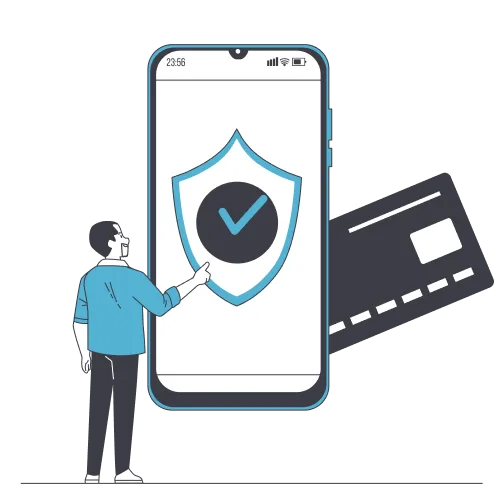
Every payment that goes through our payment terminals is secure.
All payments are processed using Stripe, which follows strict security rules (PCI-DSS compliance) and complies with industry standards. Security is of the utmost importance to us, so you can rest assured that your client’s data is handled with the utmost care.
Yes, Pabau offers comprehensive reporting features, including reports on all your transaction history. These reports can be easily generated within the platform.
Yes, because everything is processed through Stripe, Pabau’s payment terminals can easily handle any required refunds. You can also add tips using the terminals.
One of the key benefits of a payment terminal is convenience.
Clients can pay in a single tap without having to root around in their bag for a credit card or cash. There are also a range of payment options available for added flexibility.
Our Customer Care team can assist you with any questions or issues related to the payment terminals. You can reach out to us at any time via our support page.